
Close Menu
EpicRPGTales

    Subscribe to Updates

    Get the latest creative news from FooBar about art, design and business.

    What's Hot

    Microsoft and Xbox Error Lands Gamers a Classic RPG for Free

    When Is the Next Major Steam Sale Coming?

    How to Beat Thomas Richards In Windrose

    Facebook X (Twitter) Instagram
    EpicRPGTales
    • Home
    • News
    • Features
    • Reviews
    EpicRPGTales
    You are at:Home»Guides»System Shock 2 Remastered: Recommended and Minimum System Requirements
    Guides

    System Shock 2 Remastered: Recommended and Minimum System Requirements

    Rishov MukherjeeBy Rishov MukherjeeJune 26, 2025Updated:June 26, 2025No Comments2 Mins Read
    Facebook Twitter Pinterest Reddit Copy Link
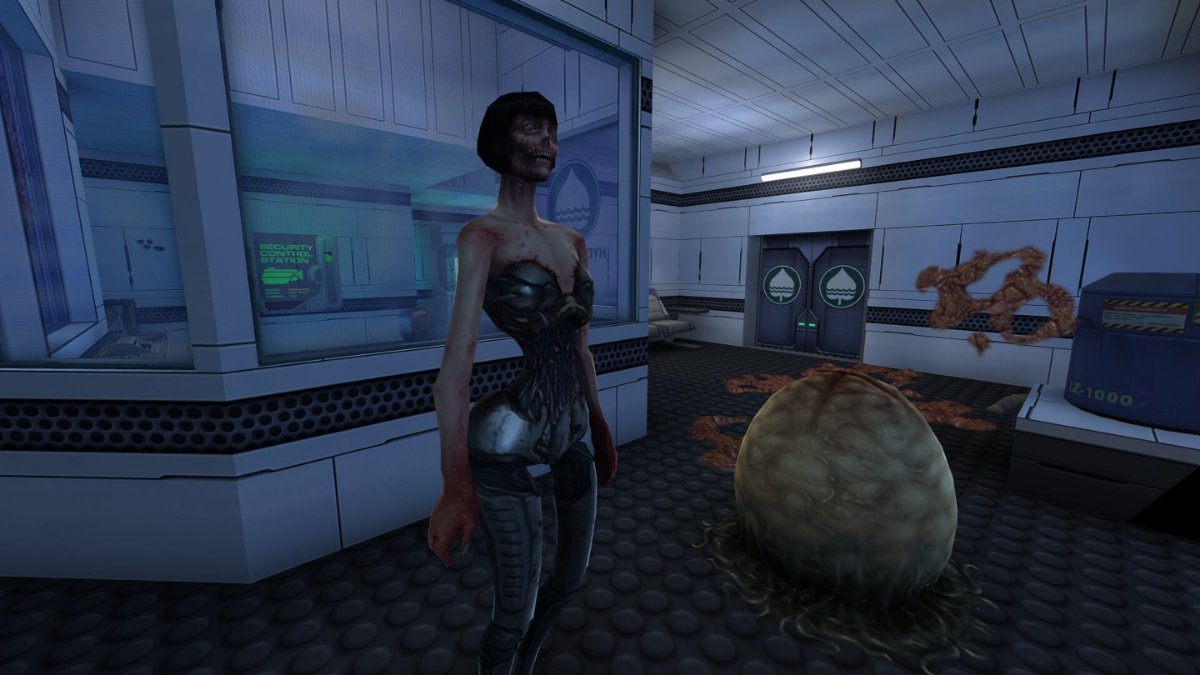
    A screenshot from the game System Shock 2 Remastered

    System Shock 2 Remastered is a return to a classic after 25 years, and several players will be interested in jumping into the game upon release. It features both single-player and multiplayer content alongside online co-op, thereby offering variety for everyone to enjoy.

    However, when a new remastered game comes out, one of the biggest questions is whether it will run on your PC. Here’s a rundown of the minimum and recommended system requirements for System Shock 2 Remastered.

    Minimum System Requirements for System Shock 2 Remastered

    A screenshot from the game System Shock 2 Remastered

    Here are the minimum system requirements for System Shock 2 Remastered

    • OS: Windows 7 (64-bit)
    • Processor: Intel or AMD Dual Core at 2.0 GHz
    • Memory: 2 GB RAM
    • Graphics: GPU with DirectX 11 or Vulkan 1.1 Support
    • Storage: 420 MB
    • Sound Card: 100% DirectX compatible sound Card or onboard sound card

    Thus, the minimum system requirements are quite nominal even for a remastered game. Windows 7 is quite old now, and most PCs will have a better version of the operating system. A dual-core processor is also pretty old, and nowadays most PCs have way better CPUs.

    2 GB of memory isn’t too much either, since 8 GB is the norm in the current day and age. Finally, the GPU and Storage requirements are also very low, and you shouldn’t have any issues running the game if you’re targeting the minimum system requirements.

    Recommended System Requirements for System Shock 2
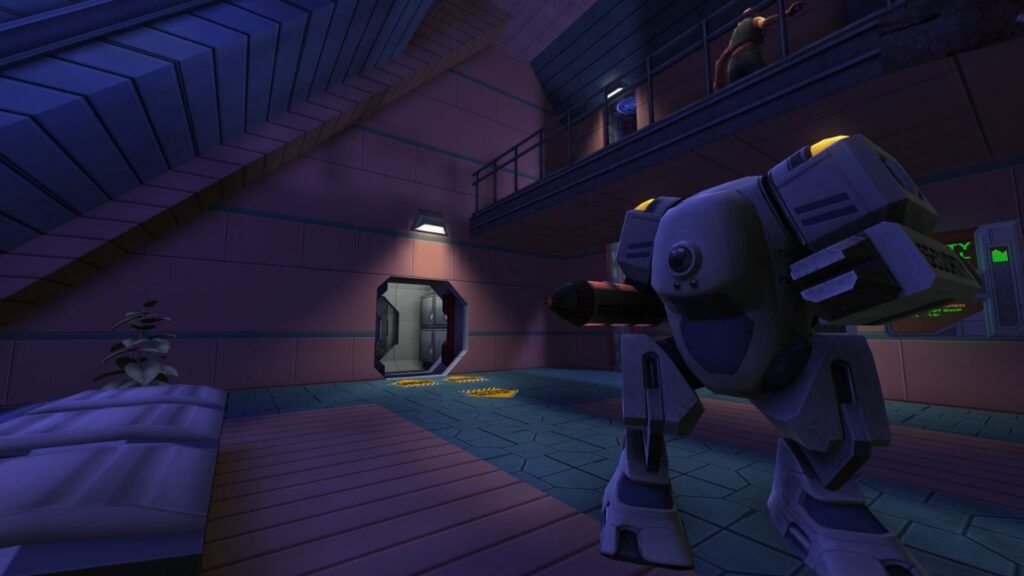
    A screenshot from System Shock 2 remastered

    Here are the recommended system requirements for System Shock 2 Remastered:

    • OS: Windows 10 (64-bit required)
    • Processor: Intel Core i5-2300 2.8 GHz/AMD Phenom II X4 945 3.0 GHz or equivalent
    • Memory: 4 GB of RAM
    • Graphics: GPU with DirectX 11 or Vulkan 1.1 Support
    • Storage: 420 MB
    • Storage Card: 100% DirectX compatible sound card or onboard sound

    Thus, when it comes to the recommended system requirements, it isn’t too big either, with the only difference being the OS and the CPU. However, you shouldn’t be too worried as almost everyone has access to Windows 10 in the current climate.

    The CPU requirement is also pretty good, and you should be able to run your game at the highest setting without any issue. Finally, RAM and GPU requirements are also quite low by modern standards, and you shouldn’t have any issue running the game in the recommended settings.

    PC Steam System Shock 2 Remastered
    Previous ArticleSystem Shock 2 Remastered Review: Second SHODAN Showdown is a Special Sci-Fi RPG
    Next Article System Shock 2 Remastered: Every Difficulty Setting Explained
    Rishov Mukherjee
    • LinkedIn

    Rishov is a Guides writer with over three and a half years of experience at Sportskeeda, Dexerto, and TheGamer. He has a Masters in Physics from St. Xavier's College and wishes to complete his PhD in the future. When not writing, you can find him building characters in Honkai Star Rail or completing yet another run of Elden Ring and Dark Souls 3.

    Related Posts

    When Is the Next Major Steam Sale Coming?

    April 30, 2026

    How to Beat Thomas Richards In Windrose

    April 30, 2026

    How to Make Planks in Medieval Dynasty

    April 30, 2026
    Leave A Reply Cancel Reply

    Top Posts

    Microsoft and Xbox Error Lands Gamers a Classic RPG for Free

    April 30, 2026

    When Is the Next Major Steam Sale Coming?

    April 30, 2026

    How to Beat Thomas Richards In Windrose

    April 30, 2026

    How to Make Planks in Medieval Dynasty

    April 30, 2026

    Fable 4 Release Date, News and What to Expect

    April 29, 2026

    Diablo 4 Lord of Hatred New Classes Explored

    April 29, 2026

    Final Fantasy XIV Online Evercold Expansion Announced Alongside Switch 2 Release Date

    April 28, 2026
    Don't Miss
    News April 30, 2026

    Microsoft and Xbox Error Lands Gamers a Classic RPG for Free

    Microsoft and Xbox stores have been known to make the occasional mistake and accidentally give…

    When Is the Next Major Steam Sale Coming?

    How to Beat Thomas Richards In Windrose

    How to Make Planks in Medieval Dynasty

    Fable 4 Release Date, News and What to Expect

    Diablo 4 Lord of Hatred New Classes Explored

    Final Fantasy XIV Online Evercold Expansion Announced Alongside Switch 2 Release Date

    About Us
    About Us

    Your source for everything in the world of gaming.

    We are a team of passionate gamers, always working keeping you, the gamer, as the centre of our universe

    Reach out to us at contactus@epicrpgtales.com

    Our Picks

    Metal Gear Solid Delta: Snake Eater Release Date Leaks On Playstation Store

    Honkai Star Rail 3.4 Livestream: Redeem Codes, Banners, & Events

    RPG Hall of Fame: Demon’s Souls Represents the Emergence of a Modern RPG Giant

    Most Popular

    Where Winds Meet Story Trailer Released For Wuxia Action RPG

    July 17, 2025

    Elden Ring Nightreign: Gaping Jaw Boss Guide

    June 13, 2025

    Clair Obscur: Expedition 33 Lore Trailer Spells Out the Gargantuan Task Ahead

    April 18, 2025
    © 2026 EpicRPGTales
    • Home
    • Privacy Policy
    • Our Authors
    • Reviews Policy

    Type above and press Enter to search. Press Esc to cancel.