

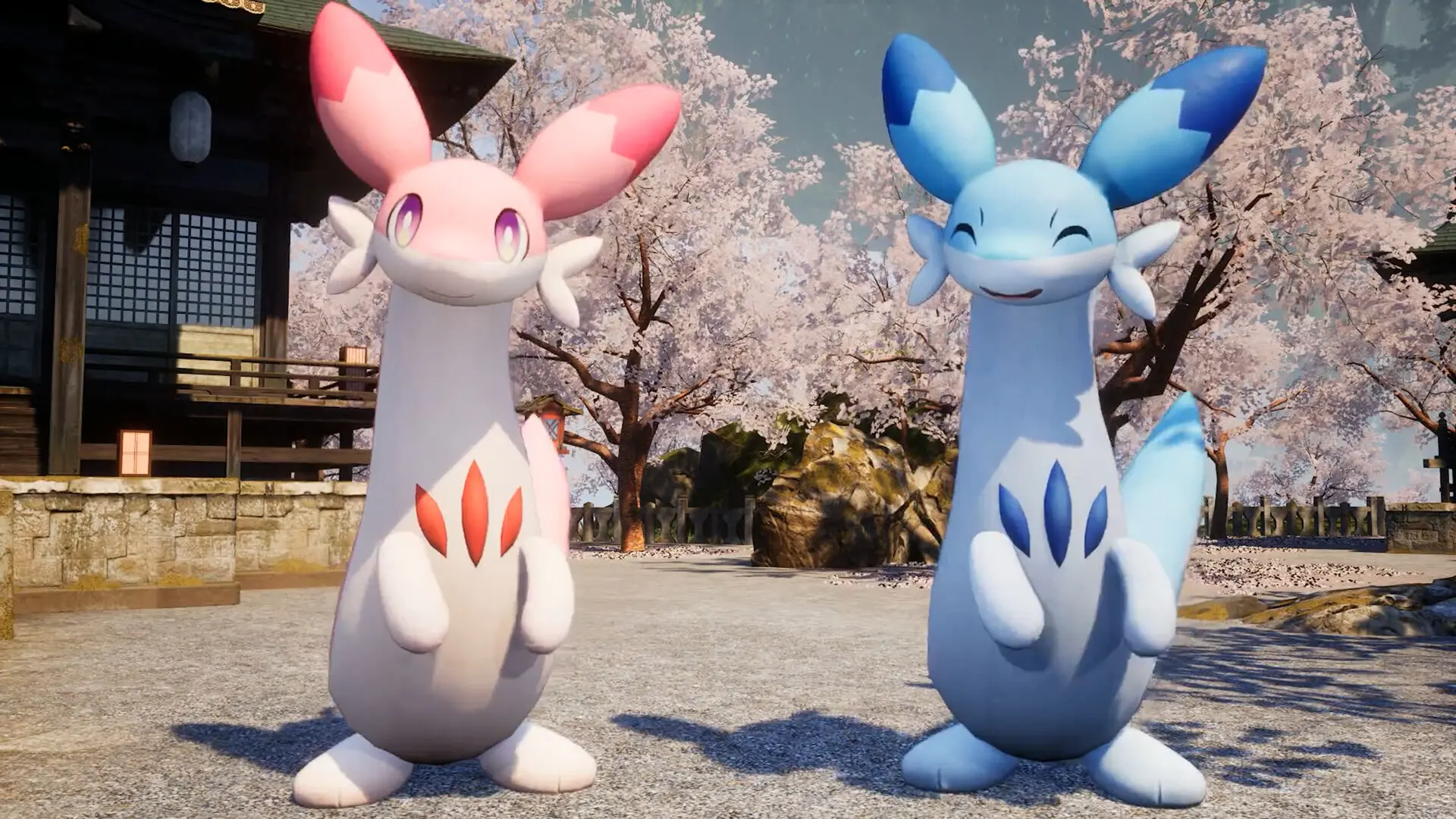
It’s almost time for the Palworld full release, which is set to launch on 10 July 2026. For anyone who has been waiting to jump back in, this is shaping up to be the best excuse yet.
Pocketpair has confirmed that the update will bring new Pals, new regions, a new threat, and the long-awaited World Tree. In other words, this is not just a tiny patch with the Early Access label removed. It sounds like Palworld’s biggest update so far, and considering the Palworld lawsuit, there have been a few already.
The good news is that existing saves are not expected to be wiped. However, Pocketpair has suggested that starting fresh may give players the best experience, especially if they haven’t played for a while.
So, before July 10 arrives, here are a few things worth doing.
Decide Whether You Want to Start Fresh
The biggest choice is whether to continue your old world or begin again with a new character.
If you already have a huge base, rare Pals, and loads of progress, staying on your current save makes sense. You have put the time in, and there is no reason to throw that away unless you want to experience the game from the start again.
That said, starting fresh could be the better option for returning players. Palworld has changed a lot since launch, and Palworld Version 1.0 is expected to add even more. A new save should let you experience the game’s updated progression more naturally, rather than dropping into an old world and trying to work out what has changed, and what that means for your current save.
Use the Global Palbox
If you do start again, the Global Palbox could be your best friend and save you a whole lot of hassle.
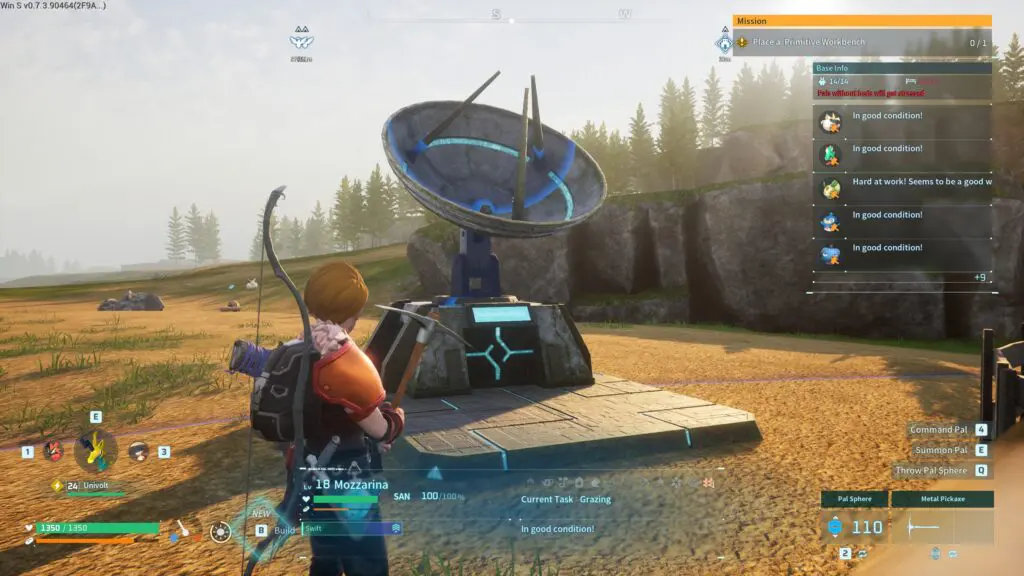
The Global Palbox lets players store Pal data and transfer Pals between worlds. That means you may be able to bring some of your favourites into a new save without completely abandoning everything you worked for.
Before the update arrives, it is worth checking your best Pals and deciding who you would actually want to keep. Focus on favourites, strong workers, rare Pal catches, and any Pals with useful traits.
Clean Up Your Current World
If you’re not planning on starting again, it is worth tidying things up before the Palworld full release drops. If you’re anything like me, you’ve got storage boxes all over the place with absolutely no organization. Now might be the time to tidy them up a little.
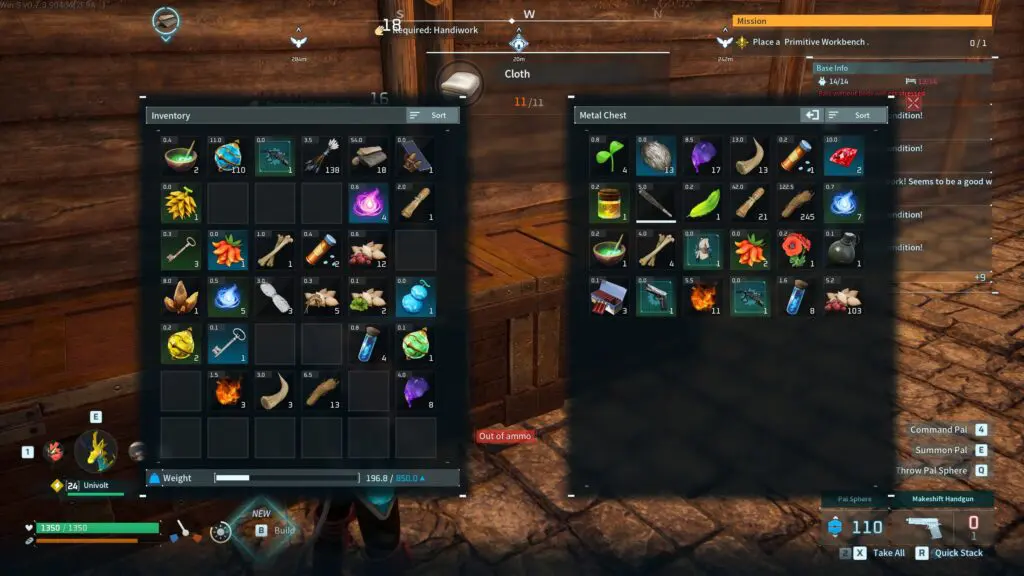
Sort your Palboxes, clear out anything you do not need, organise your base, and make sure your important resources are easy to find. If the update adds new regions and late-game content, you don’t want to spend your first hour back trying to remember where you dumped all your materials.
It is also worth checking your equipment, mounts, and fast travel points so you are ready to explore once the update goes live.
Backup Your Palworld Save File
Before any major update, backing up your save is a sensible move, especially if you’re playing on Steam.
Most players should be fine, but big updates can sometimes cause unexpected issues. If you are attached to your current world, take a few minutes to make a backup before July 10, and Palworld’s long-awaited departure from Early Access and the launch of the Palworld full release.
It is boring, but it is better than losing a world you have spent dozens or hundreds of hours building.
Get Ready for the World Tree
The World Tree has been one of Palworld’s biggest mysteries since launch. Players have been able to see it in the distance for ages, but the full Palworld release finally looks set to make it an important part of the game, finally ending the mystery of what the giant tree is all about.
Before the update, make sure you have strong combat Pals, decent gear, and enough supplies for longer trips. If the World Tree ends up being tied to endgame content, you probably don’t want to turn up underprepared.
Final Prep Before Palworld Full Release Drops
Before the Palworld full release launches, the best thing you can do is decide how you want to play it.
Continue your old world if you want to protect your progress. Start fresh if you want the cleanest Version 1.0 experience. Or use the Global Palbox to get a bit of both.
Either way, July 10 looks like a major turning point for Palworld, and doing a little prep now should make the full release much easier to enjoy.
